
Printers play a vital role in daily business operations, making regular maintenance essential for consistent performance. Proper care not only improves print quality but also extends the lifespan of your printer while reducing maintenance costs. Following a few simple practices can help prevent common printing problems.
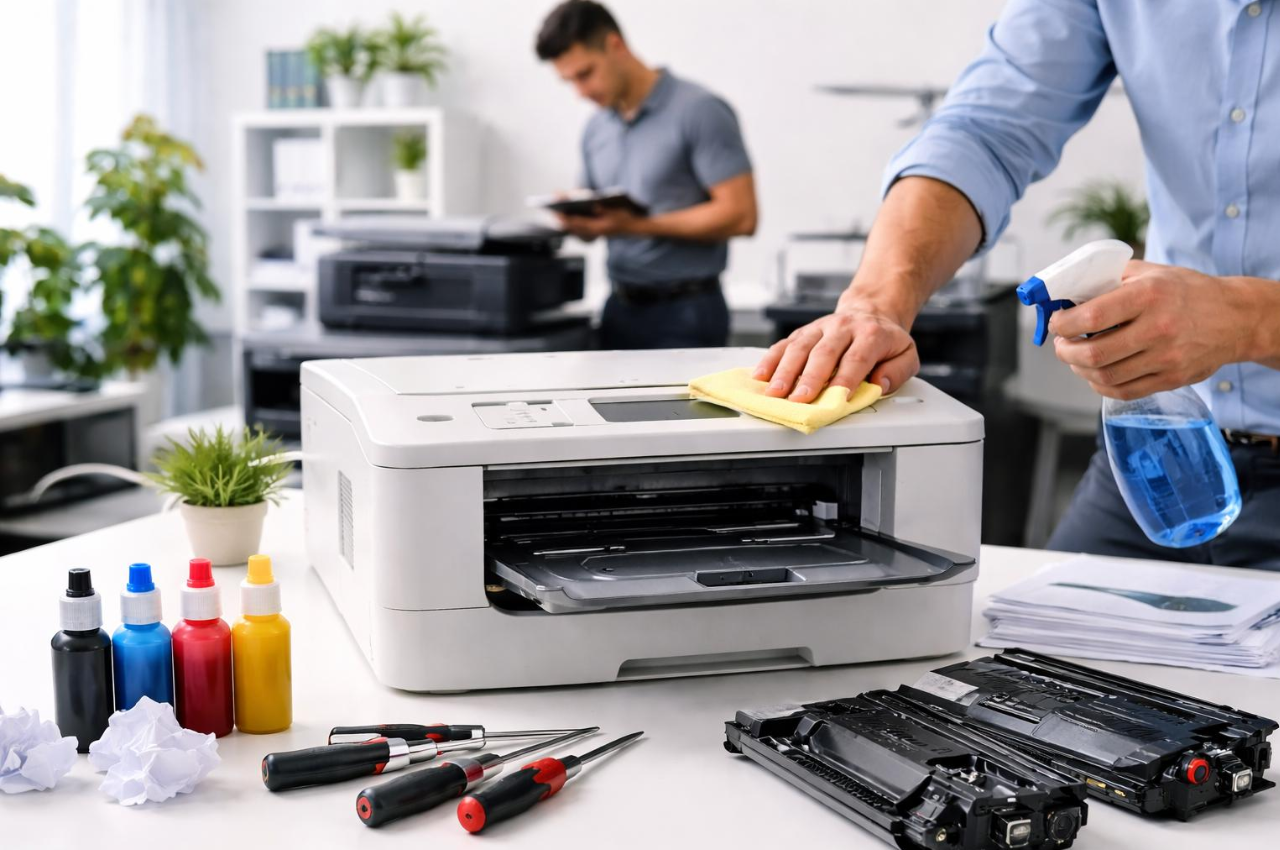
Using quality toner cartridges ensures sharp text, vibrant graphics, and reliable printer performance. Low-quality cartridges may produce faded prints, toner leakage, or inconsistent output, affecting both productivity and print quality.
Dust and toner residue can accumulate inside your printer over time. Regular cleaning of the printer’s exterior, paper trays, and accessible internal components helps maintain optimal performance and prevents paper jams.
Selecting appropriate print settings for different document types improves output quality and reduces toner consumption. Using draft mode for internal documents and high-quality settings for presentations helps optimize printing efficiency.
Regularly inspect toner cartridges, imaging drums, and other consumables. Replacing worn components at the right time prevents print defects, improves reliability, and minimizes unexpected downtime.
Maintaining your printer with quality consumables and regular care ensures consistent performance, better print quality, and longer equipment life. Following these best practices helps businesses reduce operating costs while keeping printing operations running smoothly.